
Spend Management
See where company
money goes
Track expenses, control spending, and monitor transactions from one platform.
Real-time visibility over company spending
Lynq helps finance teams monitor spending across employees, cards, and vendors without relying on
spreadsheets or manual reporting. Every transaction appears instantly in your dashboard.
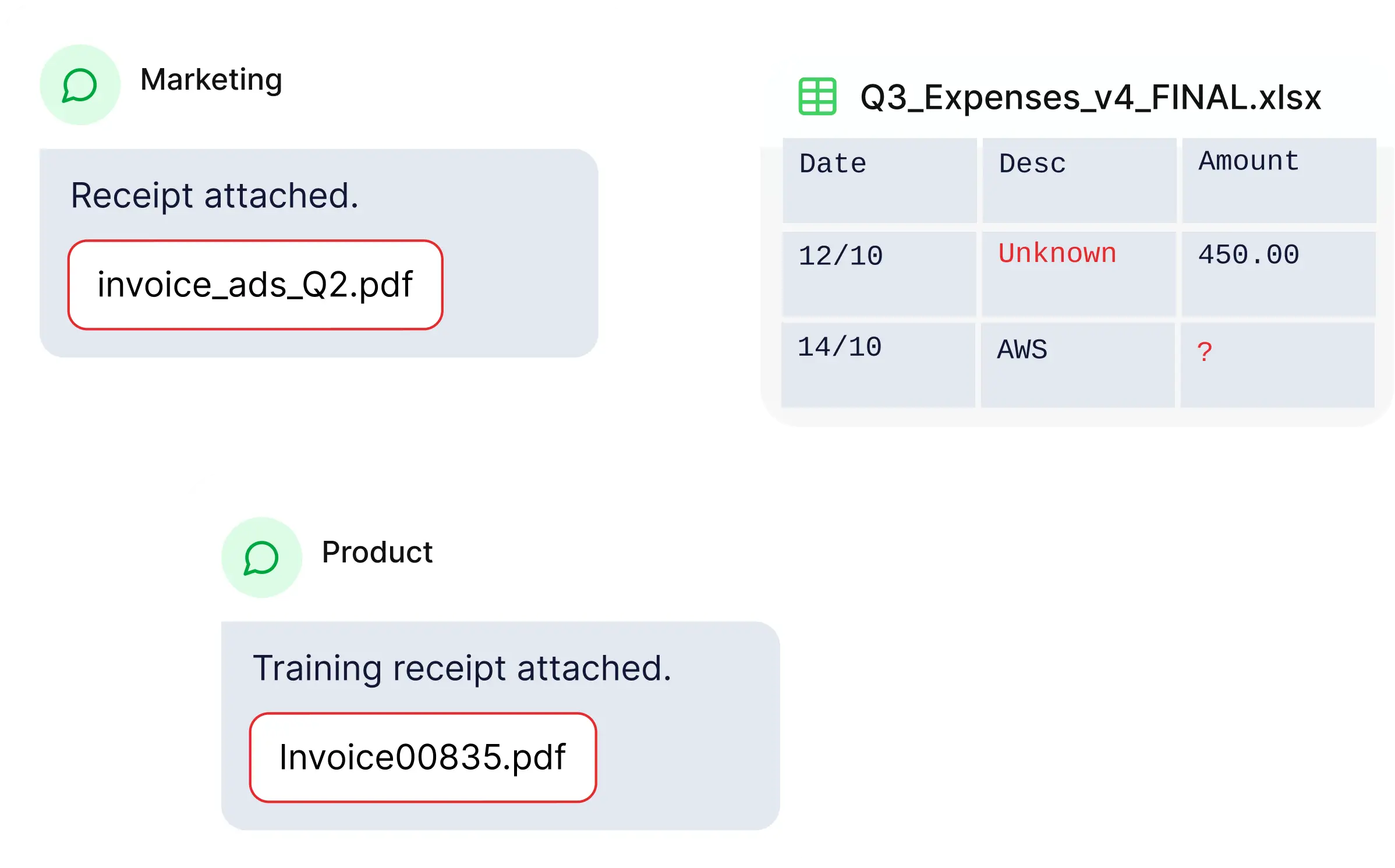
Scattered Receipts
Everything you need to manage company spending
Centralized Oversight
Monitor company-wide spending from one dashboard.
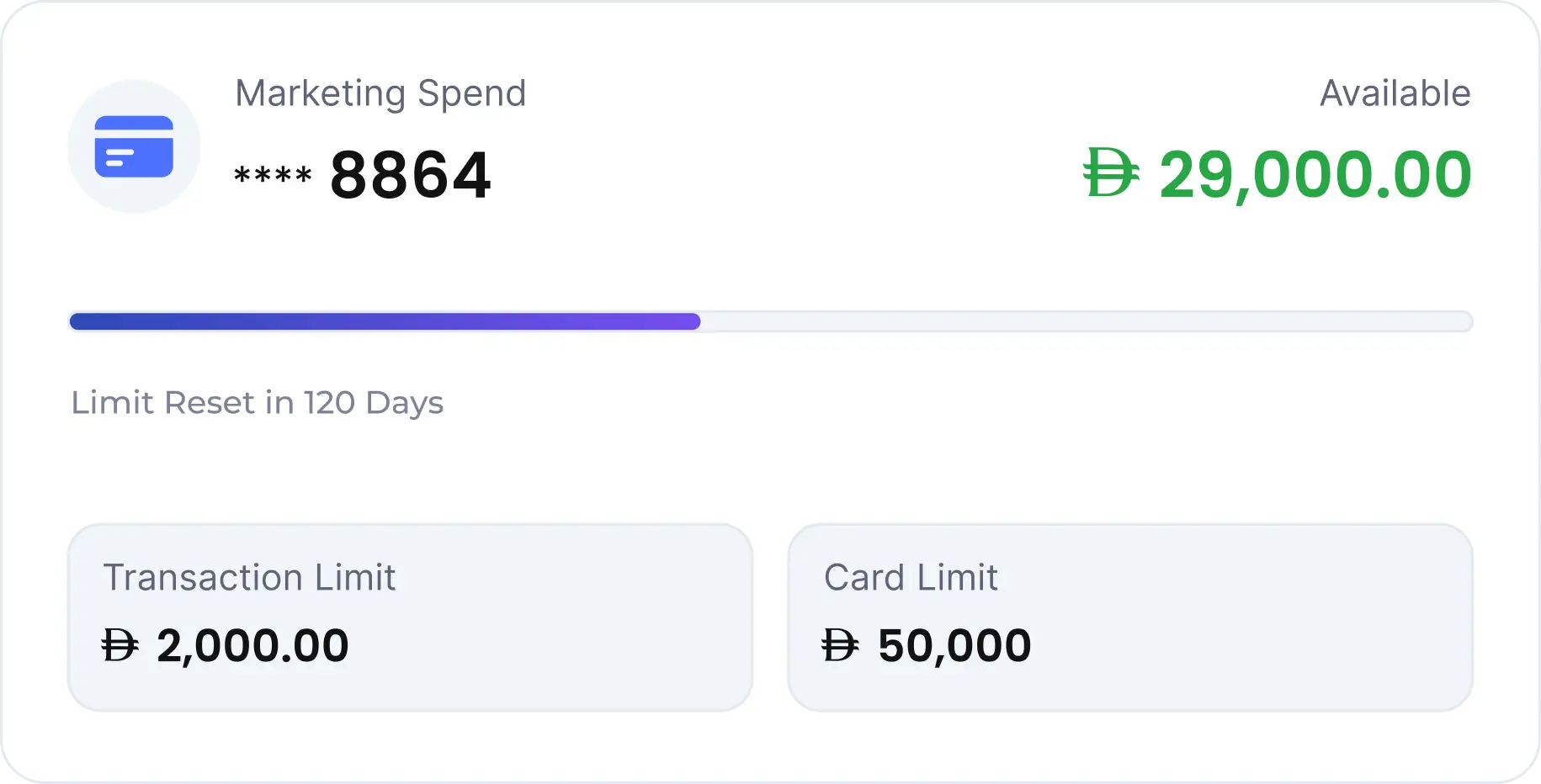
Spending Limits
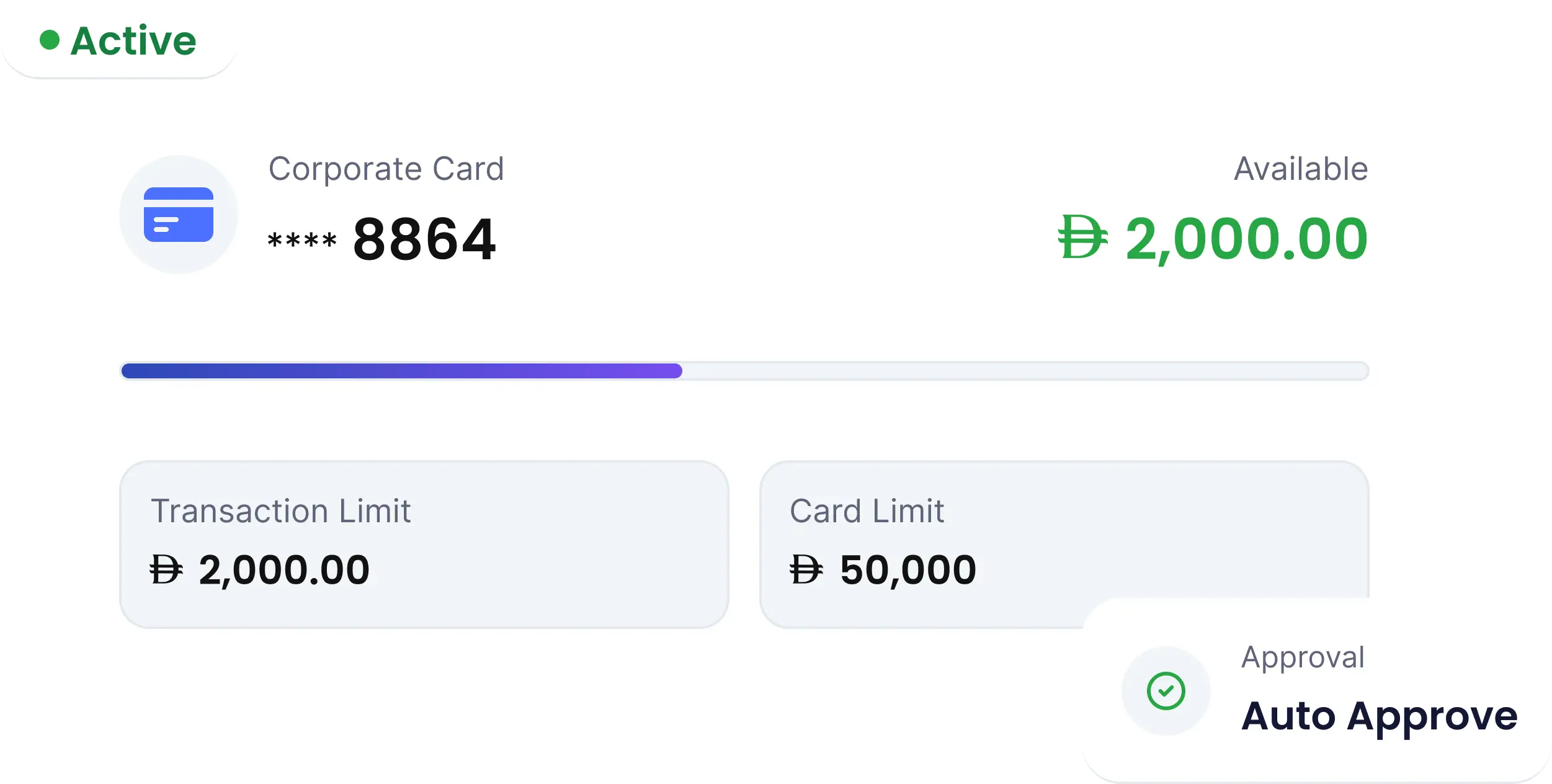
Set spending rules per card, employee, or team.
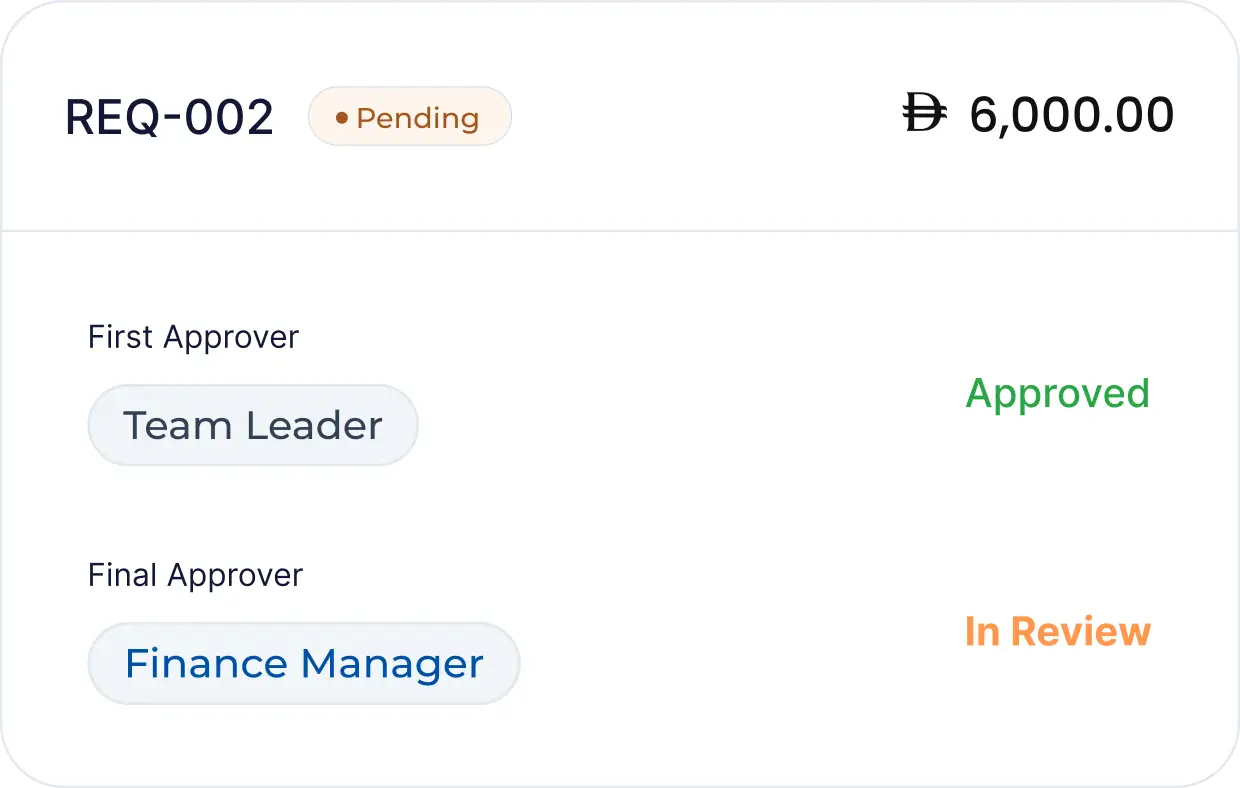
Team-Level Controls
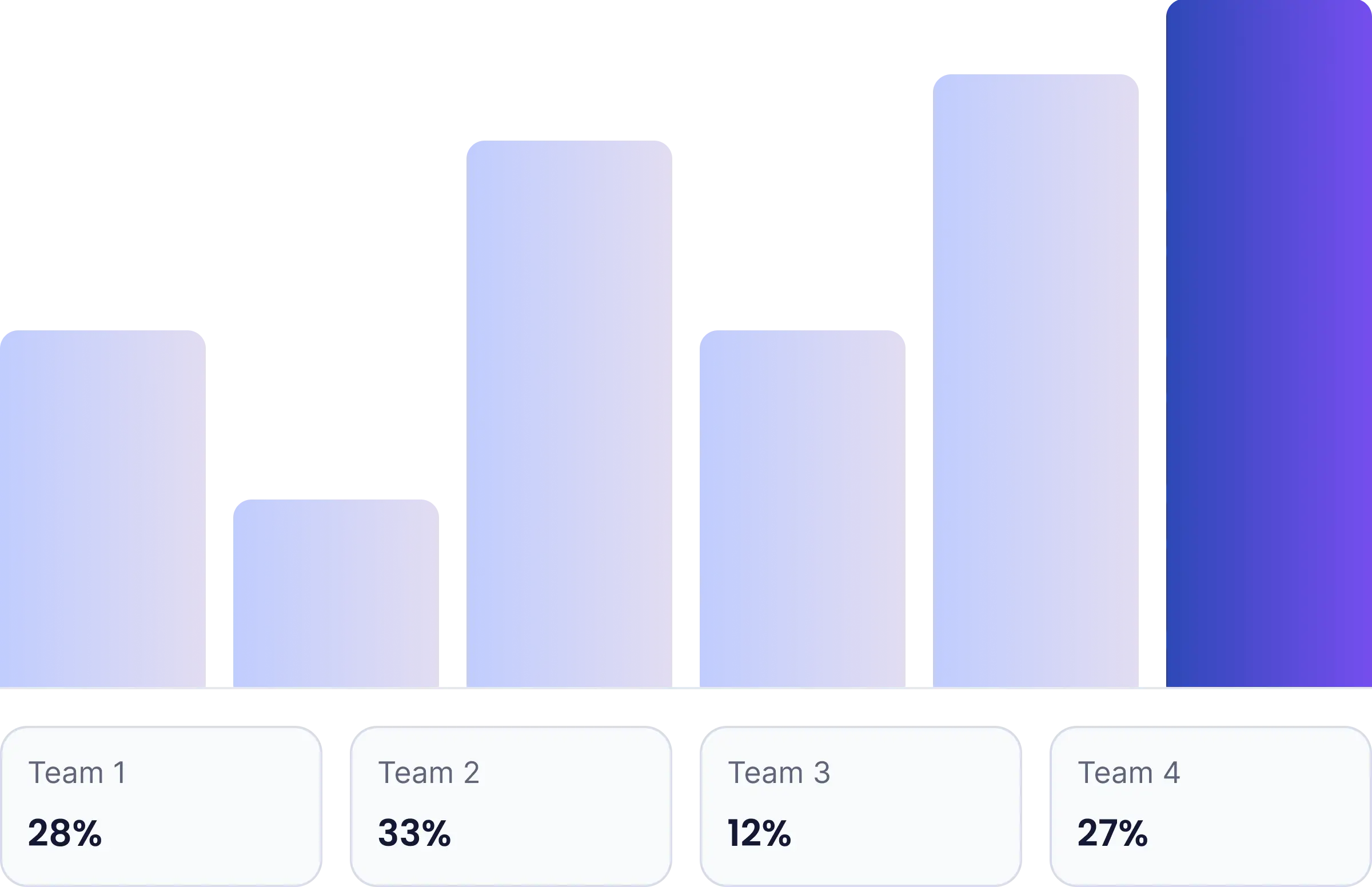
Allocate budgets and manage spending across teams and departments.
Expense Tracking
Automatically capture company spending so finance teams always have accurate records.

Real-Time Spend Visibility
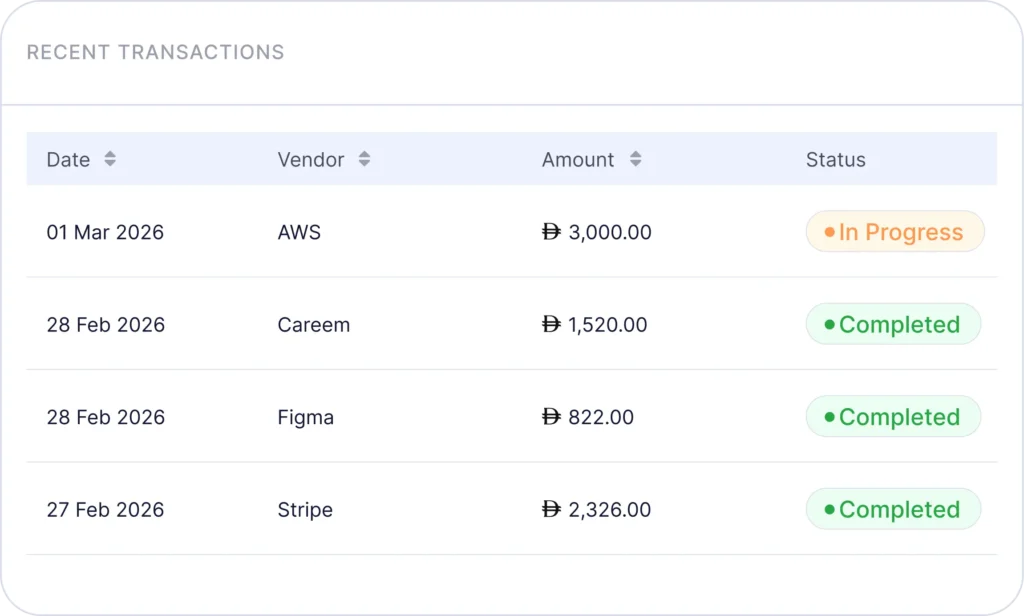
Track transactions across employees, cards, and vendors as they happen.
Stay in control
of company expenses
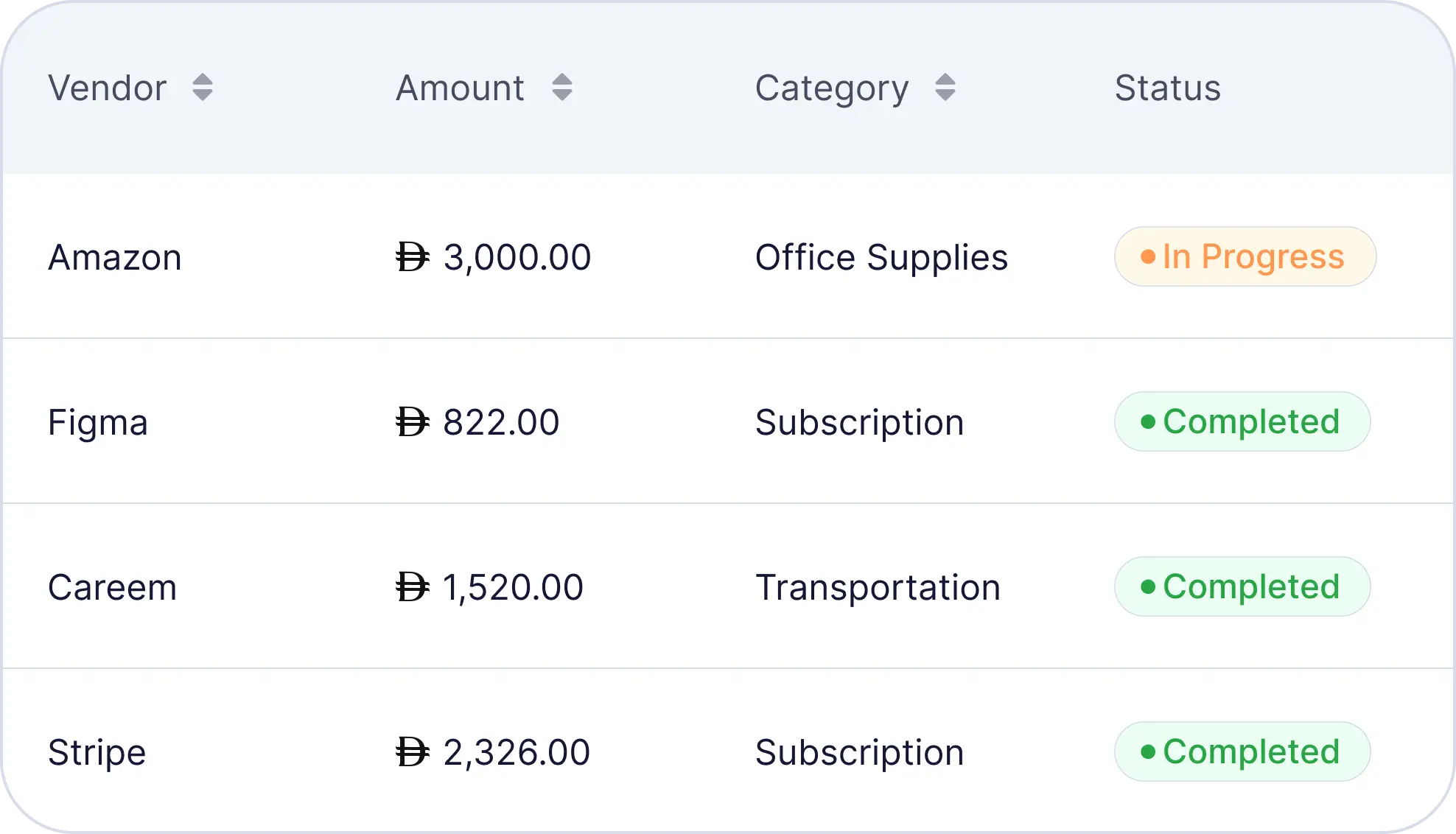
Spend data organized by team, card, category, or time period — filterable, reviewable, and exportable without any manual preparation.
Live Dashboard
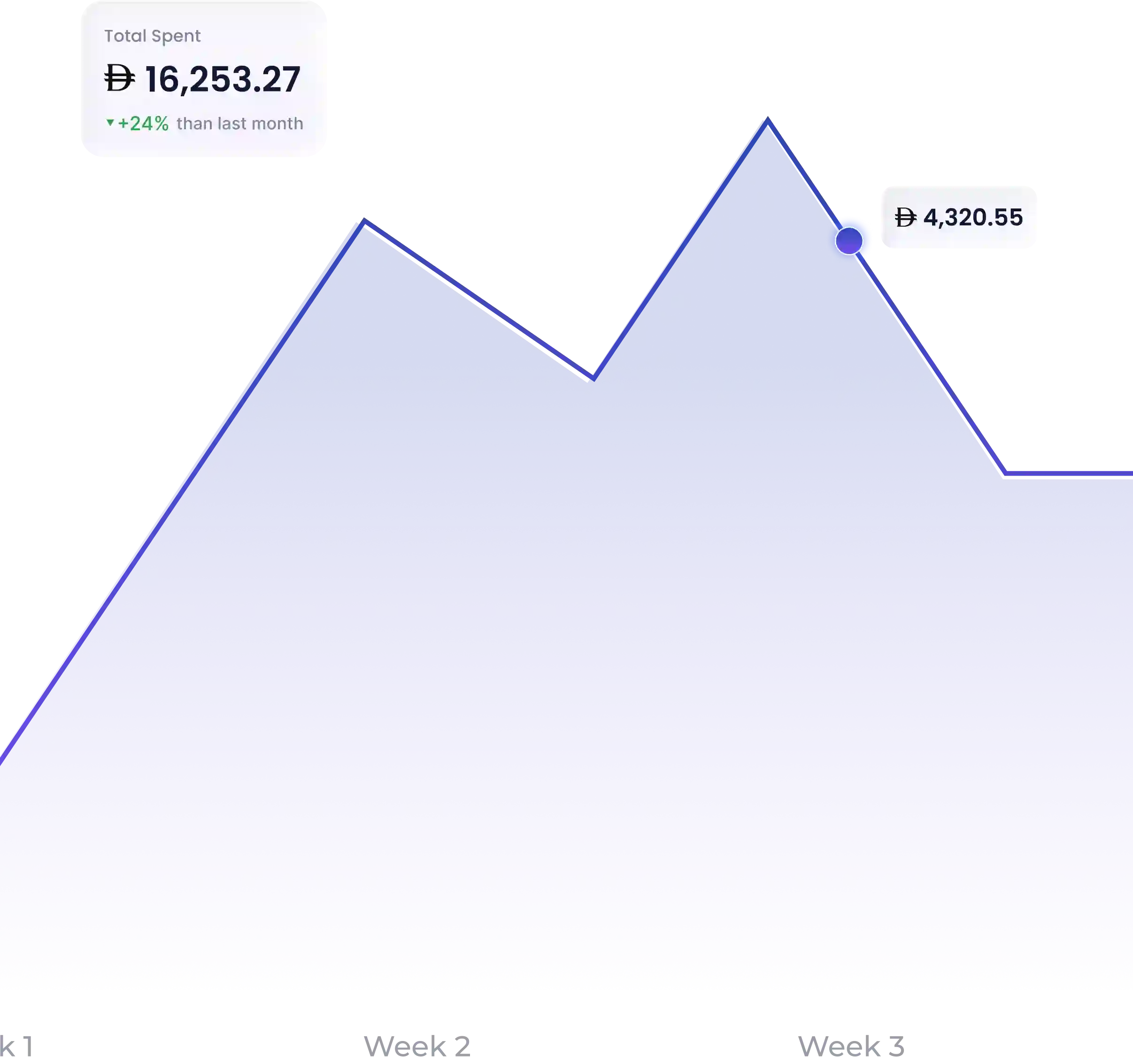
A real-time view of company spend across every card and team. Transactions update the moment they happen — so finance always has an accurate picture without pulling a report.
Spend Breakdown
Filter spend by team, department, category, or individual card. Identify where money is going, spot patterns early, and make informed decisions with data that's always current.
Exportable Reports
Clean, categorised transaction data exportable in formats compatible with standard accounting workflows. Ready when your accountant needs it — without any manual preparation.
SPENDING
FAQs
How does Lynq's spend management solution help businesses save time and money?
Lynq automates the admin that typically sits with your finance team — receipt collection, approval routing, transaction categorisation, and reconciliation. Controls are enforced automatically at the card level, which means less out-of-policy spend and less time spent correcting it. The result is a finance function that runs with less manual effort and better visibility over where money is going.
How does Lynq help track, control, and categorise employee expenses?
Every transaction made on a Lynq card is logged in real time and matched to the relevant team, budget, and category automatically. Businesses define their own categories and set limits within them. Finance has a live view of all spend — by card, team, or time period — without waiting for reports to be compiled.
What happens if a transaction exceeds the set limit?
There are two types of limits on Lynq. The first is a velocity limit set by your company — if a transaction exceeds this, you will be prompted to select a different card to proceed with the payment. The second is a system-level limit set by Lynq — if this is reached, the transaction will be automatically declined.
Does Lynq support employee reimbursements?
Yes. Employees submit reimbursement requests directly inside Lynq. Finance reviews and approves within the platform — no external tools or communication required.
Can I set budgets by department or team?
Yes. Lynq allows you to allocate budgets at the team or department level, so each part of the business operates within its own defined limits. Finance has a consolidated view across all of them.
How is Lynq different from managing expenses on a spreadsheet?
Spreadsheets rely on manual input and are always a step behind. Lynq captures every transaction as it happens, enforces spend policies automatically, and gives finance a live view — without waiting for someone to update a file.
Is spend data available to both managers and finance teams?
Yes. Visibility can be configured by role — managers can monitor their team's spend while finance retains full company-wide oversight from one centralised dashboard.
Get started on Lynq for free.
Full platform access as part of our launch offer — no setup fees, no commitment. Get started in minutes.